Power BI Dashboard and Python: Use Cases That Transform Processes
Article contents
Why a Power BI Dashboard Makes the Difference
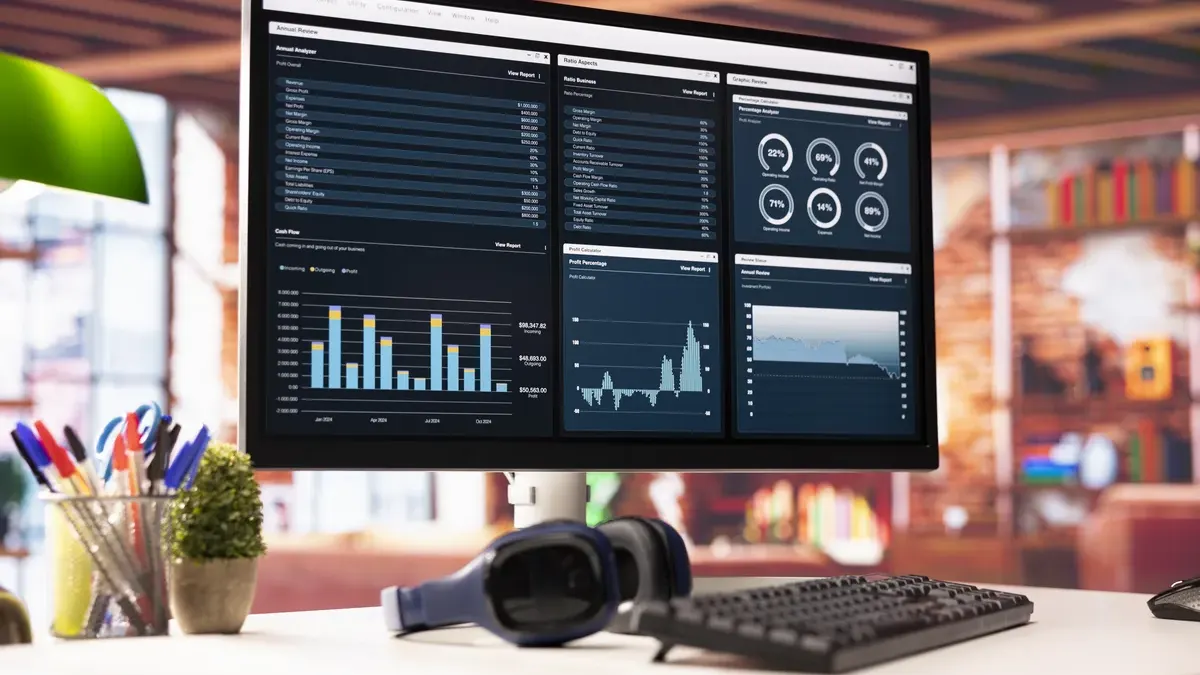
In today’s fast-moving business environment, collecting data is no longer the hard part — making sense of it is. A Power BI dashboard has emerged as one of the most effective tools for turning raw numbers into clear, actionable insights. These are not simply charts or graphs; they are windows into operational processes, allowing teams to spot strengths, identify inefficiencies and track performance trends at a glance.
Consider a company managing a complex warehouse. A spreadsheet with thousands of rows may contain all the relevant data, but it offers little immediate clarity. A well-designed Power BI dashboard, by contrast, shows instantly which products are in high demand, which are at risk of overstock, and where delays are accumulating. The difference lies in visualisation: data begins to speak a language accessible not just to analysts, but to managers, buyers and warehouse staff alike.
Python: The Logic Engine Behind the Scenes
Think of Python not as a technical curiosity, but as a tireless logic assistant — one you can give precise instructions to, confident it will execute them consistently and without error. For procurement teams, this is transformative. Tasks that once required hours of manual work across multiple spreadsheets can be automated in seconds.
Take a practical example: a buyer needs to monitor supplier delivery performance each month. Previously, someone would spend hours cross-referencing Excel files to calculate who was late and by how much. With Python, the process becomes a set of clear instructions: pull three files from a shared folder, reconcile supplier names written inconsistently, calculate the gap between promised and actual delivery dates for each order, and assign a reliability score based on a defined rating scale. Python executes all of this in seconds, producing a clean, structured table where every supplier has a clear performance rating. The repetitive, error-prone work disappears entirely.
Power BI Dashboard: Turning Data Into Decisions
Once data has been cleaned and structured by Python, the next challenge is making it visually meaningful and easy to navigate. A Power BI dashboard takes that output and transforms it into an interactive command centre — one that a non-technical user can explore with confidence.
In the supplier performance example, the Power BI dashboard might render a colour-coded table with clear visual indicators for each supplier, a chart highlighting the worst performers over time, and a drill-through view that reveals the full history of any selected supplier with a single click. The result is that a procurement manager can assess the entire supplier landscape in under ten seconds — and base their next conversation not on gut feeling, but on clear, auditable numbers.
Python and Power BI Dashboard Together: A Concrete Use Case
To understand the real value of combining these two tools, consider a small manufacturing company facing a deceptively simple but critical question: how do we prevent our best-selling products from running out of stock? The answer was a Power BI dashboard built to function as a stock traffic light — and it required both Python and Power BI to work in tandem.
Python’s role was analytical. It was instructed to scan historical sales data and identify recurring patterns — for instance, that certain products consistently spike in demand during December. Using these patterns, it generated a sales forecast for the following month, calculating projected demand against current stock levels.
The Power BI dashboard then took those projections and overlaid them on live warehouse data, producing a traffic light display: red for products at risk of stockout, green for those within safe thresholds. The logistics manager no longer had to wait until the end of the month to place an order. Opening the Power BI dashboard each morning, a red indicator on a specific product was all the signal needed to act immediately — shifting the team from a reactive posture to a proactive one.
Beyond the Tool: A Cultural Shift
What this example illustrates is that a Power BI dashboard is not merely a technology investment — it represents a shift in how organisations use information. When operational processes are communicated through clear, real-time indicators, decision-making becomes faster, more confident and more consistent. Teams stop relying on intuition alone and start anchoring their choices in evidence.
It is worth asking a straightforward question that applies to many organisations: how often is valuable data already present in the business, but effectively invisible — buried in complex files, inaccessible to those who need it most? The tools to surface that data already exist. The real opportunity lies in choosing to use them.
Conclusion
Python and Power BI are natural companions in the journey towards data-driven operations. Python acts as the logical engine — applying rules, cleaning data and producing structured outputs with precision. The Power BI dashboard acts as the storyteller — translating those outputs into visual narratives that are clear, compelling and immediately actionable.
Together, they transform data from a passive archive into a strategic compass. In a business environment where speed and accuracy increasingly determine competitive advantage, a well-built Power BI dashboard is not a luxury — it is a navigation system that helps organisations anticipate problems, guide decisions and support sustainable growth.
Further Reading
- Dash in 20 Minutes Tutorial (Plotly): A hands-on tutorial for building Python-powered dashboards using the Dash library.
- Get Started with Power BI Desktop (Microsoft): The official introductory guide to creating your first interactive reports and dashboards.
- Data Stories: A curated collection of projects and case studies focused on optimising workflows, managing inventory and improving operational performance.

Share this article